
1. Open the completed result
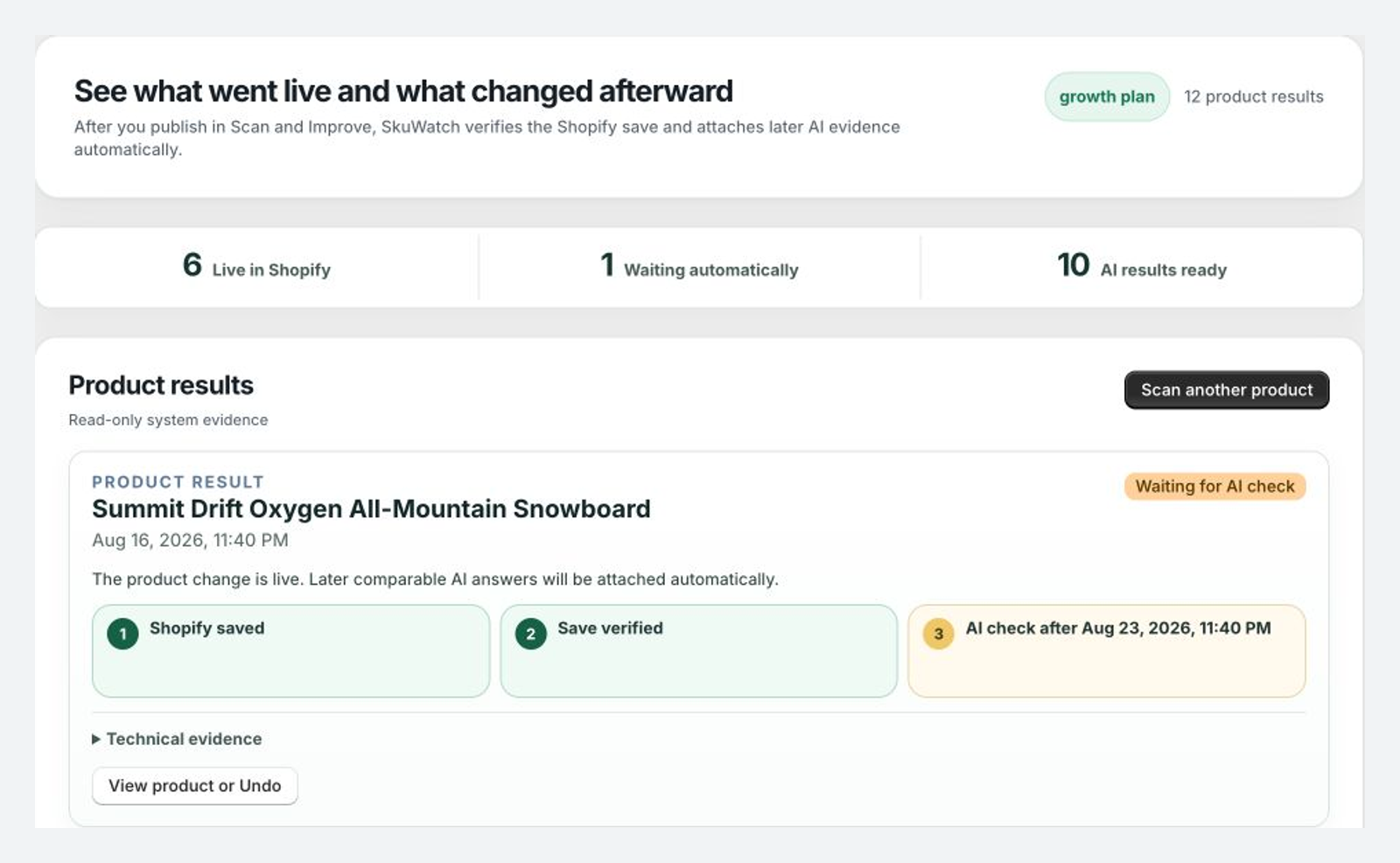
Results is read-only evidence for an action the merchant already approved. Confirm the product identity and completion time.
2. Compare Before and Published
Review the previous description or FAQ, the published value, Shopify save verification, public FAQ status, backup, and Undo entry.
3. Resolve partial verification
If Shopify saved the FAQ but public verification is pending, check the Product FAQ block in Theme Editor and confirm the audited product uses that template.
4. Interpret later AI evidence carefully
Pro and Growth can show a later comparable AI check. Use only the conclusion supported by the saved evidence:
Observed change;Correlated improvement; orInsufficient evidence.
A later citation can be relevant evidence, but timing alone does not prove the Product Fix caused every recommendation. Provider failures remain excluded from comparable mention-rate denominators.
Read Results documentation for definitions and Attribute for evidence boundaries.