
1. Apply the approved FAQ
Complete the Product Fix review and approve the write. If optional write_products has not been granted, Shopify will ask for that permission in context. The app writes the FAQ to $app.ai_faq and re-reads Shopify to verify the save.
2. Open Shopify Theme Editor
Open the product template used by the audited product. Add or confirm the Product FAQ app block and save the Theme configuration.
3. Enable AI product data if wanted
The separate AI product data app embed emits available ProductGroup, Product, and Offer JSON-LD from current Shopify product and variant data. Enable and save it in Theme Editor.
The app does not edit theme.liquid, robots.txt.liquid, or arbitrary theme assets and does not request write_themes.
4. Verify the public result
Open the product page in a private browser window. Confirm that the FAQ is readable and supported by the product page. The visible FAQ and FAQPage JSON-LD use the same app-owned data.
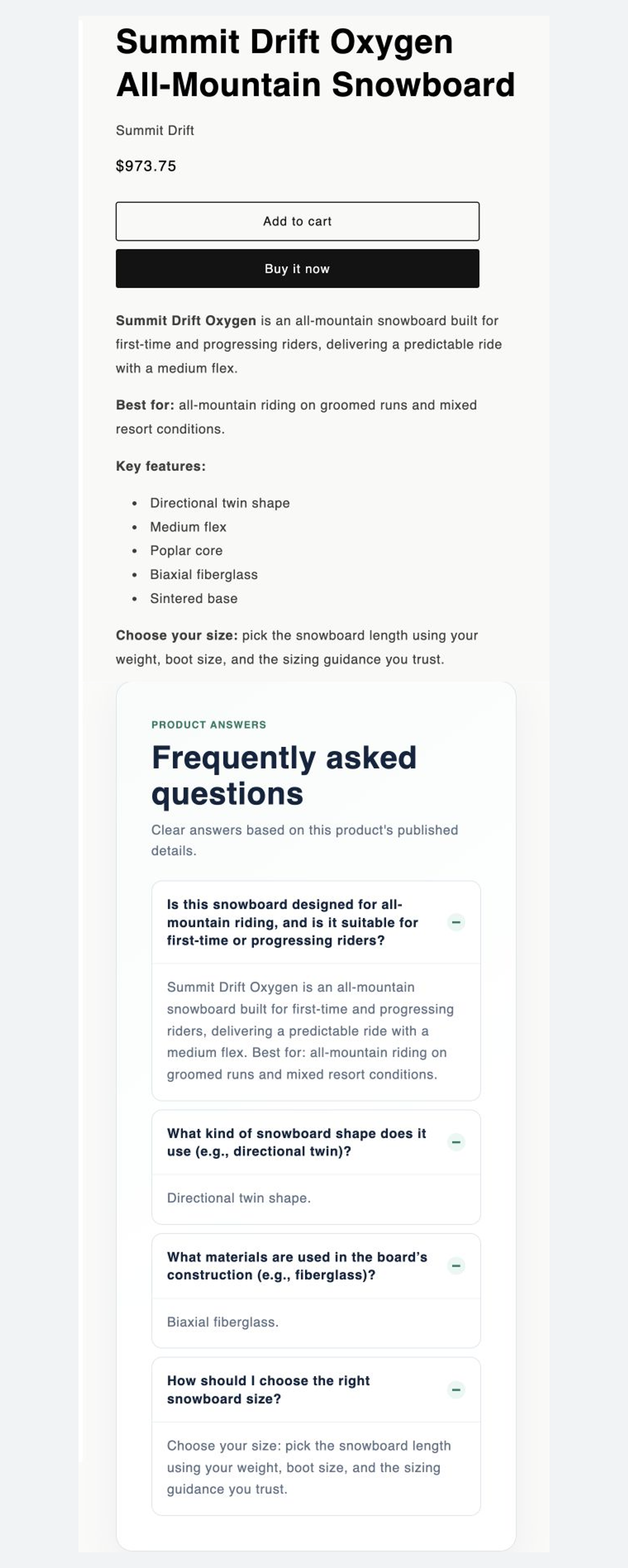
If Shopify saved the metafield but the FAQ is not visible, confirm the correct product template, app block, and saved Theme state. See Theme Extension documentation.