
Before you begin
Install the app through Shopify and approve the required read_products permission. The app does not request customer or order data. Optional write_products is not required for the initial setup.
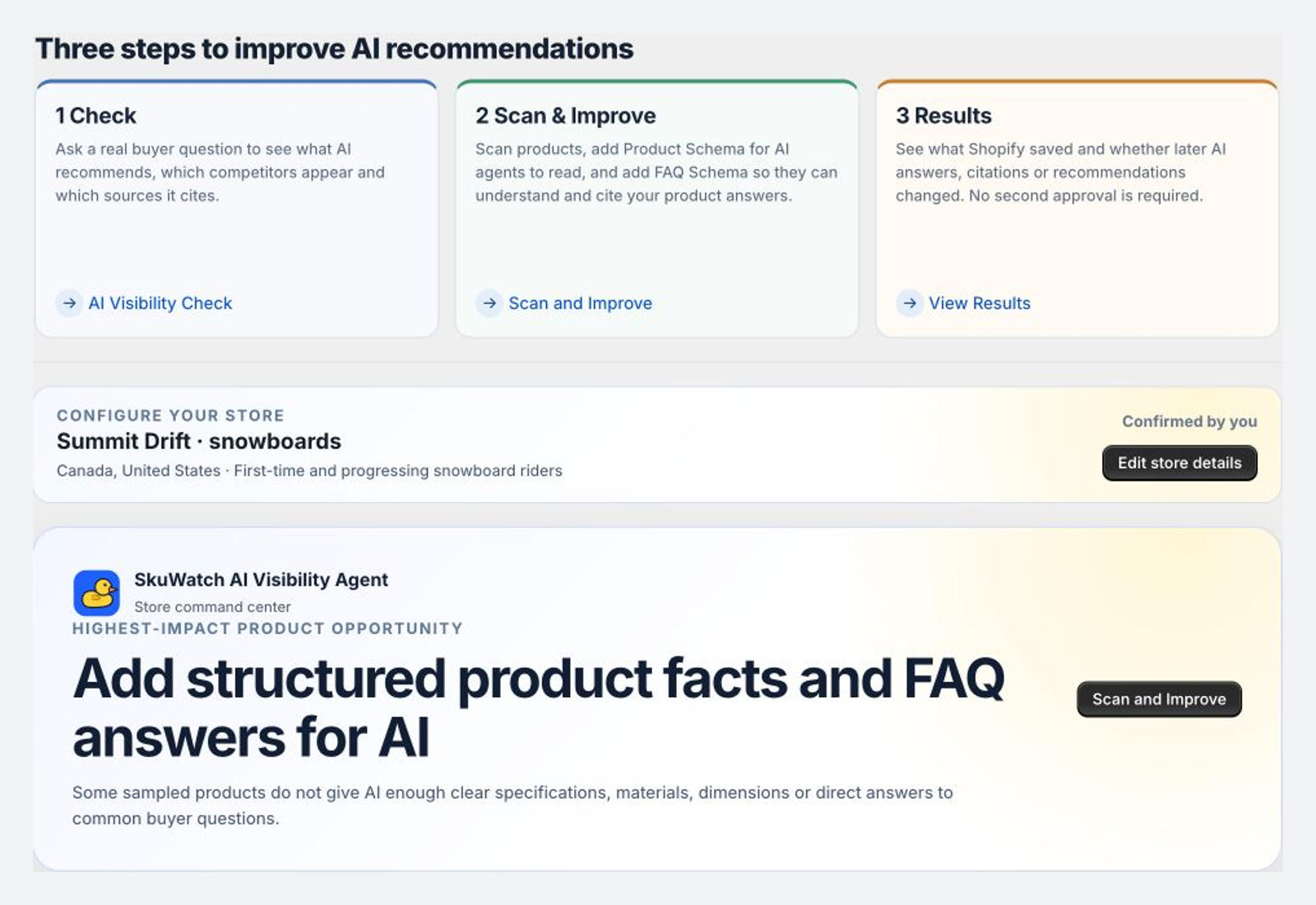
1. Configure the store context
Confirm the brand name, a specific product category, one or more primary markets, and one or more primary audiences. Monitoring language is currently English. Review prefilled catalog context before saving it.
2. Read Home as an action list
Home summarizes recent evidence and prioritizes a small number of next actions. It is not a universal AI rank.
3. Establish the first AI baseline
Open AI Visibility, select a saved buyer question, and run a manual check. Wait until the run reaches Results ready. A completed run preserves separate states for ChatGPT, Perplexity, Gemini, and Claude.
4. Establish the first product baseline
Open Scan and Improve and start an active-SKU audit. Free can audit up to 20 active SKUs for its first baseline. Open a product to inspect specific field gaps rather than relying only on the score.
5. Choose the next path
- If an AI answer or citation needs interpretation, continue to run an AI Visibility check.
- If a product has incomplete facts, continue to Scan and Improve.
- If a result is unavailable or an action fails, use troubleshooting.